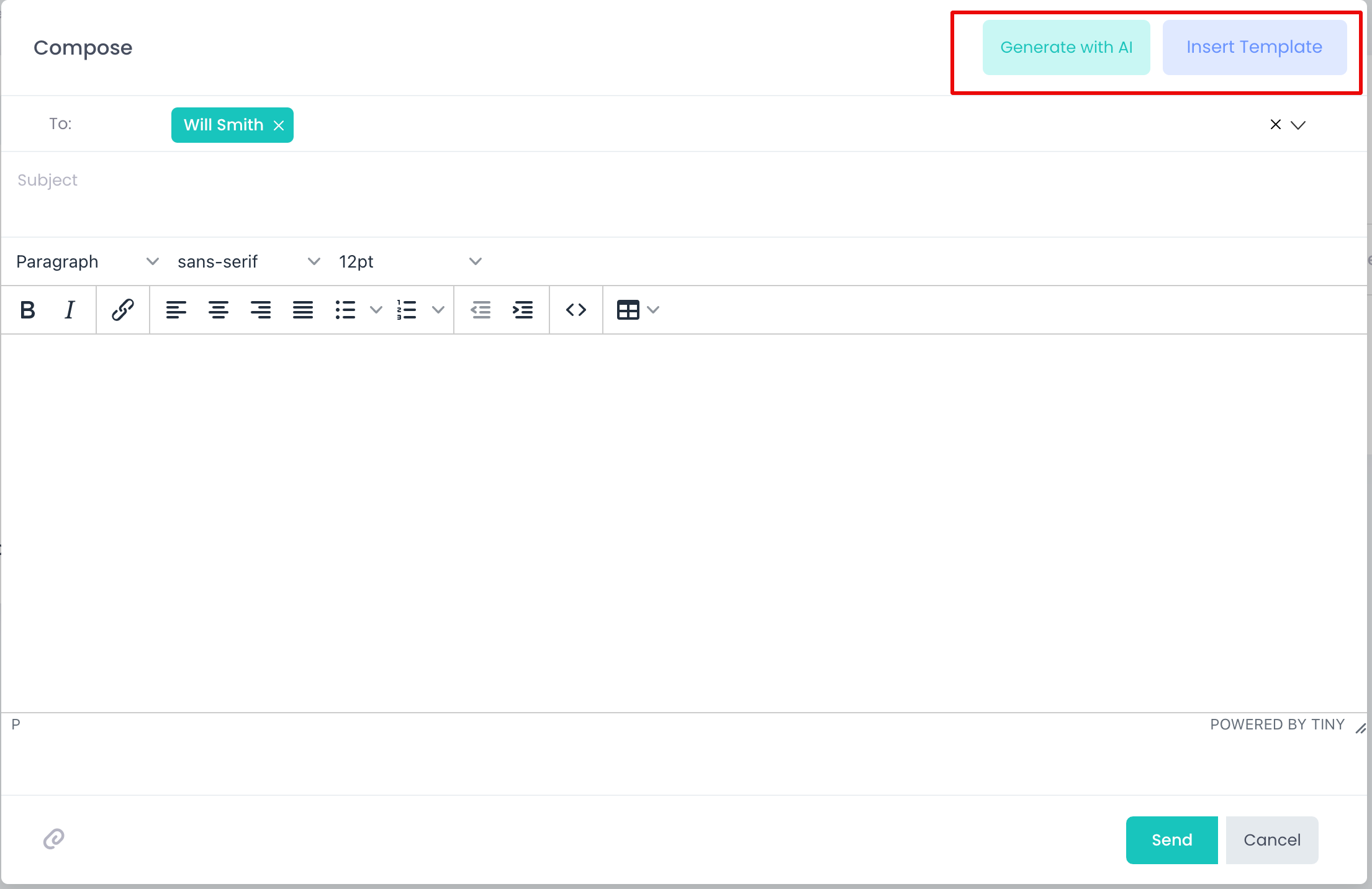
Users are able to send individual or bulk emails to candidates. In order to send an individual email:
- Select a candidate from the list or open a candidate profile
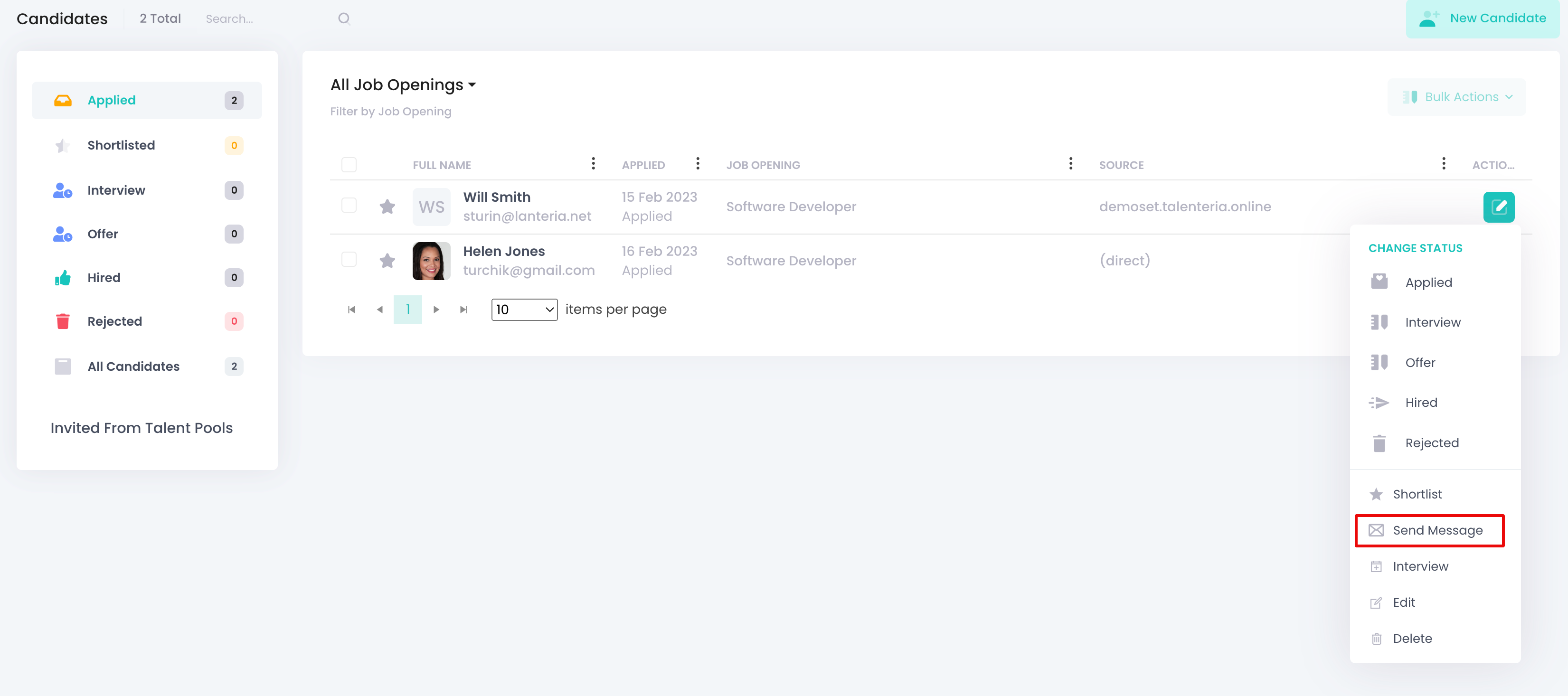
- Click Actions -> Send Message
- You can create a message:
- Writing your own text
- Selecting a template from the list of pre-defined Email Template
- Using Artificial Intelligence to create a message for you