Sign in to the employer portal for the first time
This page is for clients and hiring managers who were invited to a company's employer portal.
You'll have an email with the subject "Your access to the … Employer Portal". It says which email address to sign in with and links to the portal.
Set your password
- Click the link in the invitation email to open the company's career site.
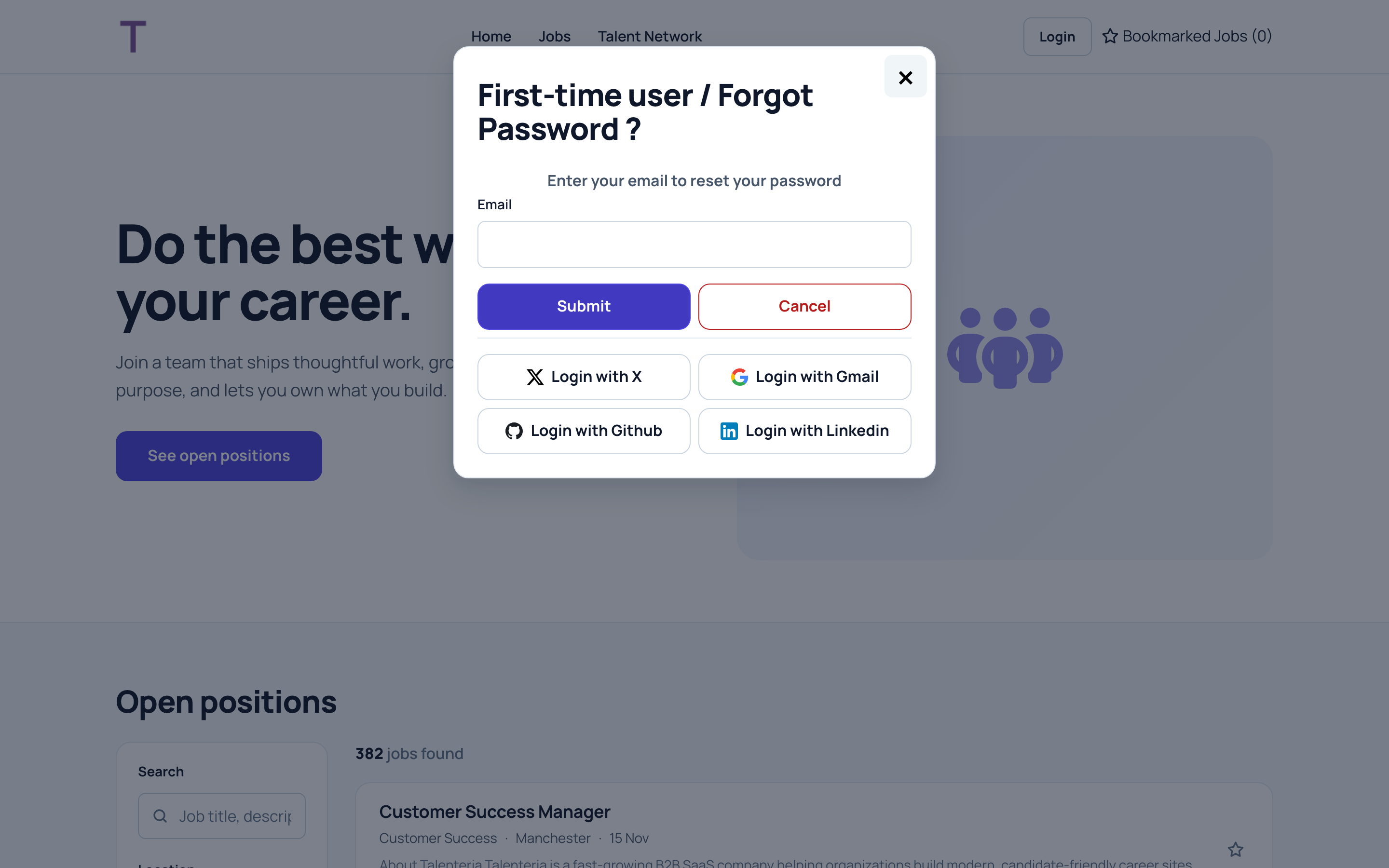
- Click Login, then First-time user / Forgot password?.
- Enter the email address from the invitation and click Submit. You'll see "Link to reset password has been sent to your email address."
- Open that email and choose your password.
Sign in
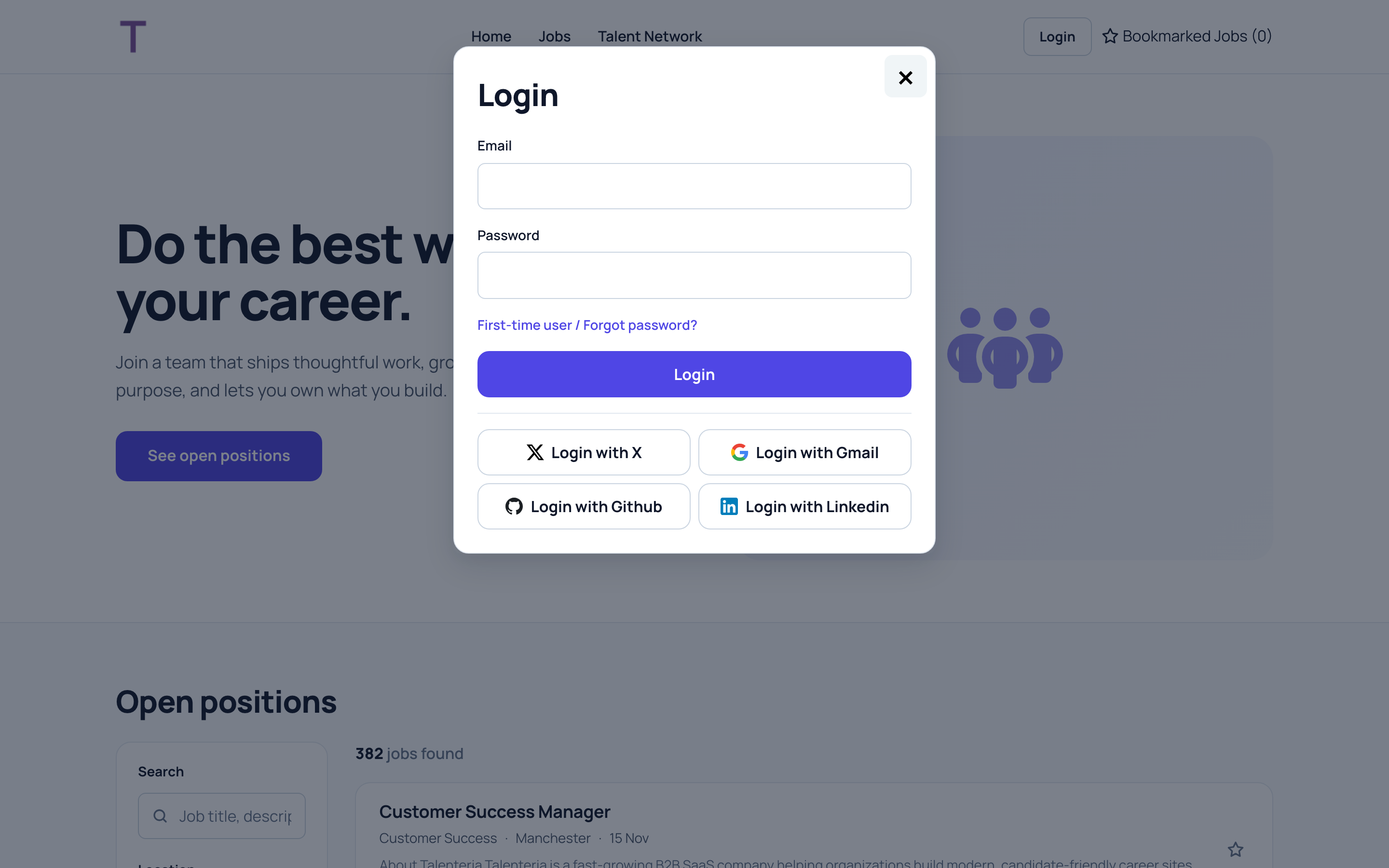
- On the career site, click Login.
- Enter your Email and Password and click Login.
You land on the employer portal. Its pages are in the site's menu while you're signed in.
If the same email address is your Google or LinkedIn account, you can also use Login with Gmail or Login with Linkedin.
If it doesn't work
- "No user exists with such email": the address doesn't match the one the company added. Check for typos, or ask your contact which address they used.
- No reset email: check your spam folder, then ask your contact to check your address.
- You forgot your password: use First-time user / Forgot password? again.
- You can sign in but see no jobs: the company hasn't linked any jobs to you yet. Ask your contact.