Post a job
This page is for clients and hiring managers using a company's employer portal.
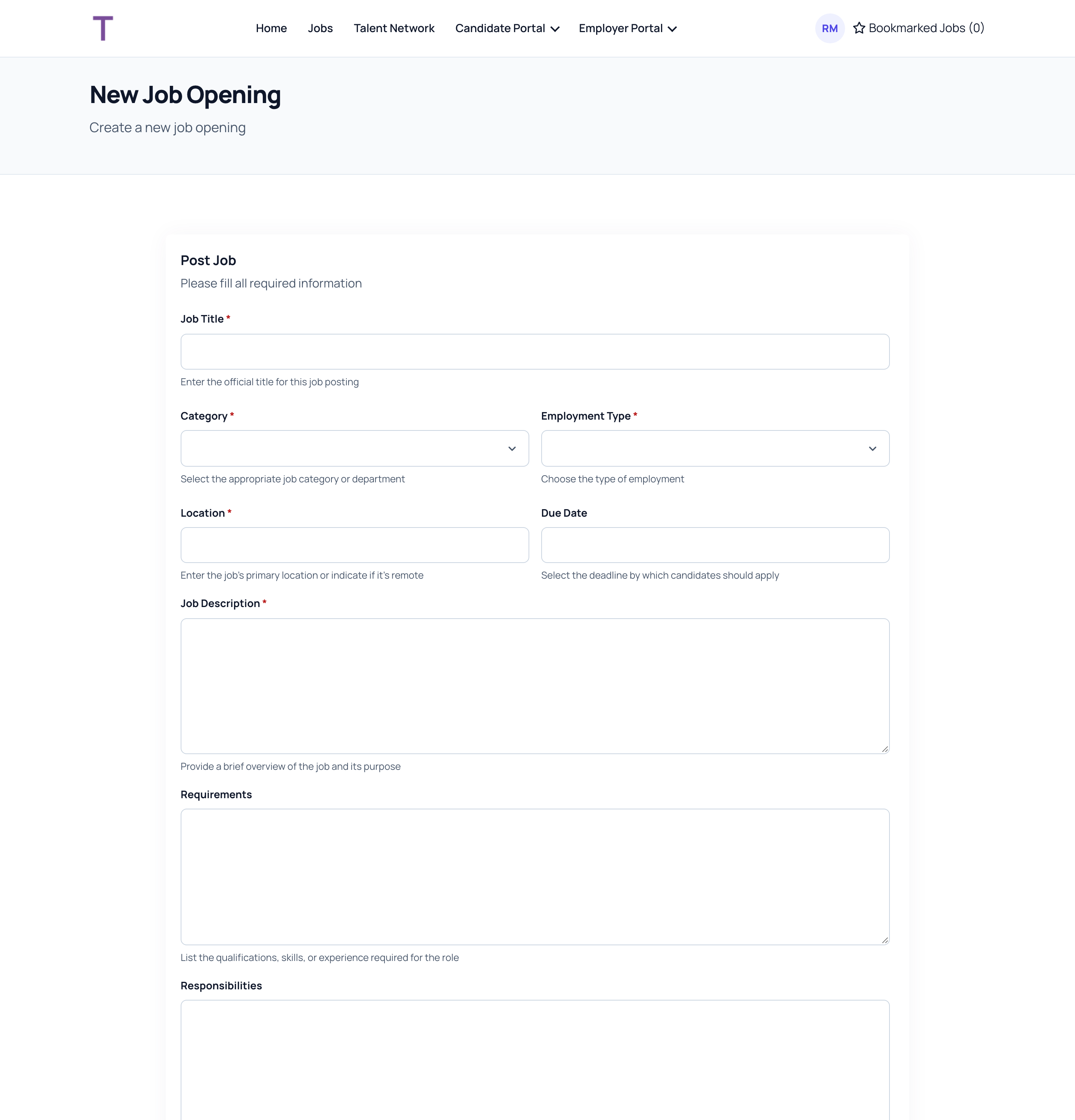
- Go to your job list and click Create Job.
- Fill in:
- Job Title: the official title.
- Category and Employment Type.
- Location: the main place of work, or say if it's remote.
- Job Description.
- Optionally a Due Date, the Requirements and the Responsibilities.
- Click Create.
What happens next
The job goes to the recruiting team as a draft. It isn't advertised yet: they review it, add what's needed and publish it. It's a good idea to tell your contact that you've posted it.
You'll see the job in your job list with its status. Once candidates are shared with you, the number of candidates shows next to it.
You can't edit a job after posting it. To change something, contact the recruiting team.