Find the best matches for a job
Among applicants
- Go to Jobs and open the job.
- On the Candidates tab, under Quick Filters, choose a list:
- Top 10 Overall: the 10 highest AI match scores.
- Top 10 by Experience, Top 10 by Education, Top 10 by Skills: the 10 best on that criterion.
- Newest 10: the latest applicants.
- Narrow further with the other filters, for example AI match to see only Good and Perfect Matches, or Status.
- Open a candidate to see why they scored as they did. See Review AI match scores.
To rank applicants across several jobs, or see the Top 25, use Candidates › Active Applicants. See Find candidates.
Among people who haven't applied
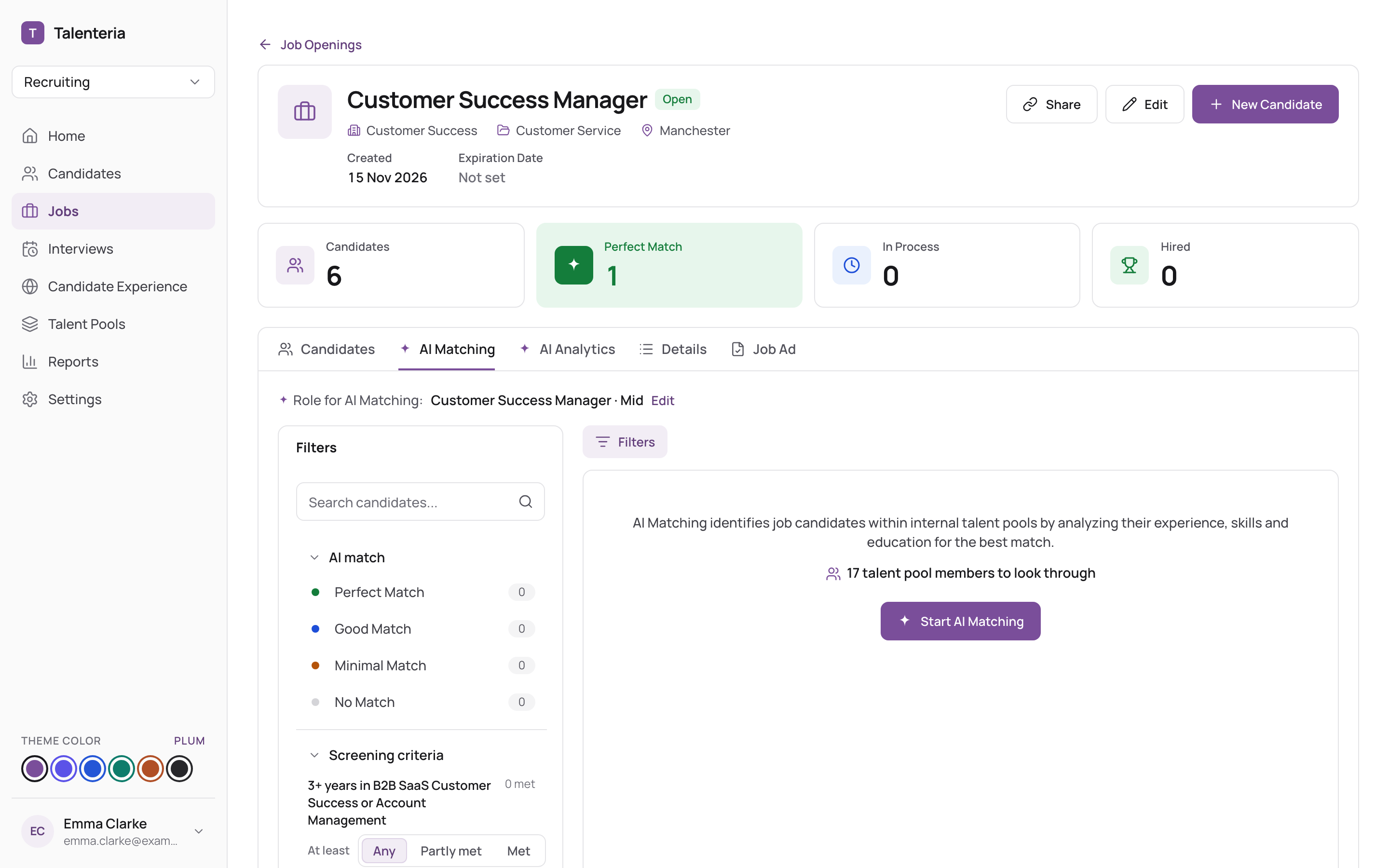
- Open the job's AI Matching tab.
- If nothing is there yet, click Start AI Matching (or Find more matches for more).
- Check the Role for AI Matching at the top. If it's wrong, click Edit, choose the Role and Seniority, and save; it's used from the next run.
- Go through the suggestions. Each says where the person comes from (a talent pool or Candidate Database) and why they were suggested (Same role, Related role).
- For each person:
- Add puts them in the job, keeping their score.
- Message or AI Job Invitation invites them to apply. See Invite matching candidates.
- Not a fit takes them off the list.
How suggestions are found: How AI matching finds candidates.
Adding resumes to screen
To add candidates by uploading resumes (the AI Resume Screening page), see Add candidates.