Change a candidate's status
A status belongs to an application: changing it moves the candidate in that job or talent pool only. See Candidate statuses and the pipeline.
On the candidate's page
- Click a stage in the Stage bar, or
- choose Actions › Change status and pick the status.
To reject, click Reject. If your pipeline has several rejection statuses, Reject opens a menu to choose one.
For one or several candidates in the list
- Go to Candidates › Active Applicants.
- For one candidate, open the row's actions and choose the status. For several, tick them, click Bulk actions and pick the status under Change status.
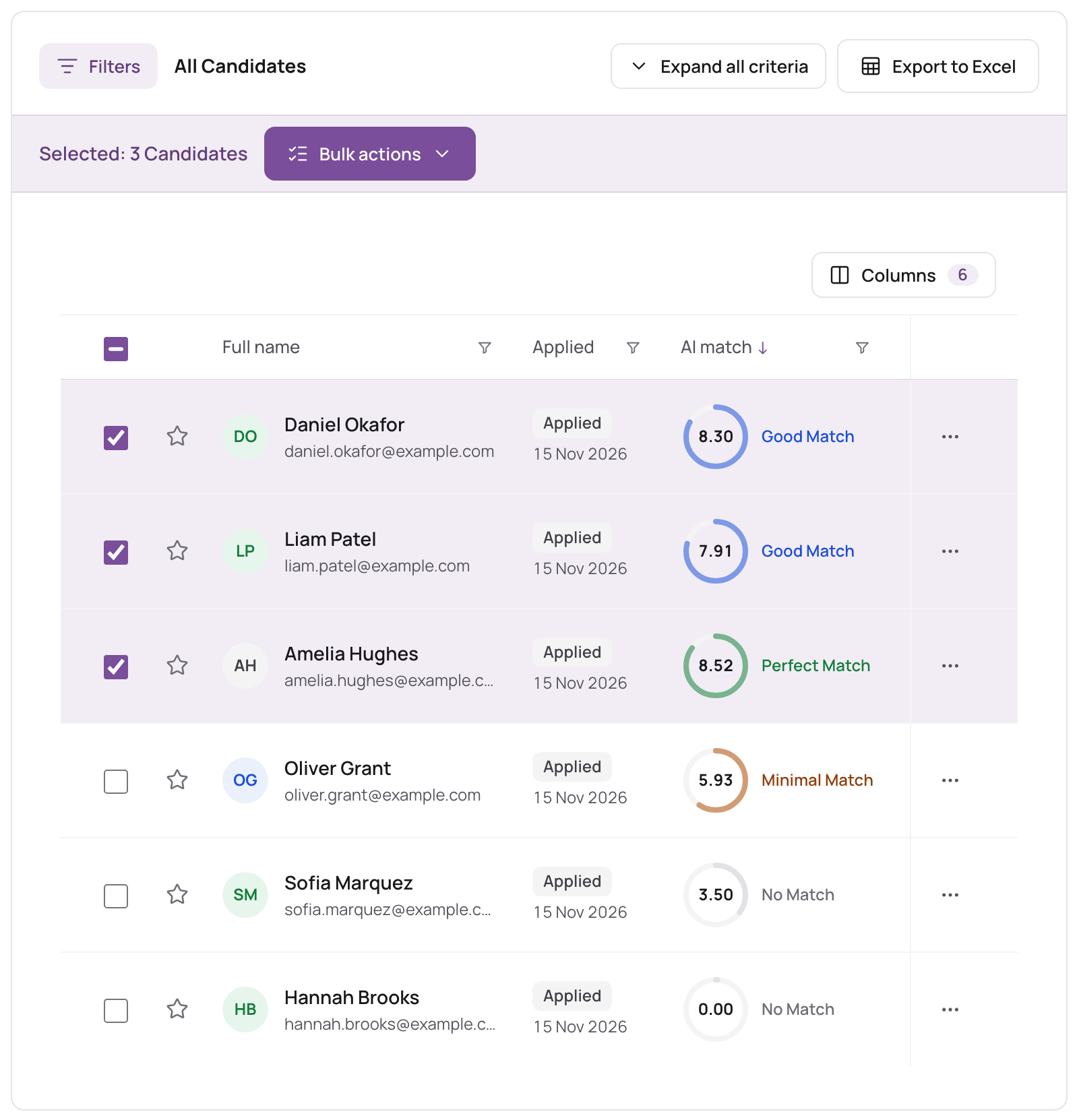
Statuses can't be changed from Candidate Database, which lists people rather than applications.
What happens
- The status changes at once, with no confirmation. A message confirms it.
- The change is recorded with your name and the time.
- The candidate is not emailed. To tell them (for example that they weren't selected), use Send message and your rejection letter template. See Email and message candidates.
- If the status has the Check References auto action, the candidate is asked for references. See Check References.
There is no field for a rejection reason; add a note on the candidate if you want to record one.