Publish and share a job
Publish a job
A job is published when its status is Open: there is no separate Publish button.
- Open the job and click Edit.
- Go to Review, set Status to Open and click Save & Close.
Or, on the Jobs list, tick the job, click Change Status and choose Open.
Then check:
- Due Date: empty or in the future. After the due date the job no longer shows on your career site or job boards.
- Your career site's Job page access is Public, so anyone can see the job. New trial sites start at Administrators and Recruiters. See Create and publish a career site.
- Job boards: Open jobs go to the job board feeds you set up. See How a job appears on your career site and job boards.
Share the job's link
- On the job, click Share in the header to copy its link.
- Or open the Job Ad tab and click Copy next to External Job URL.
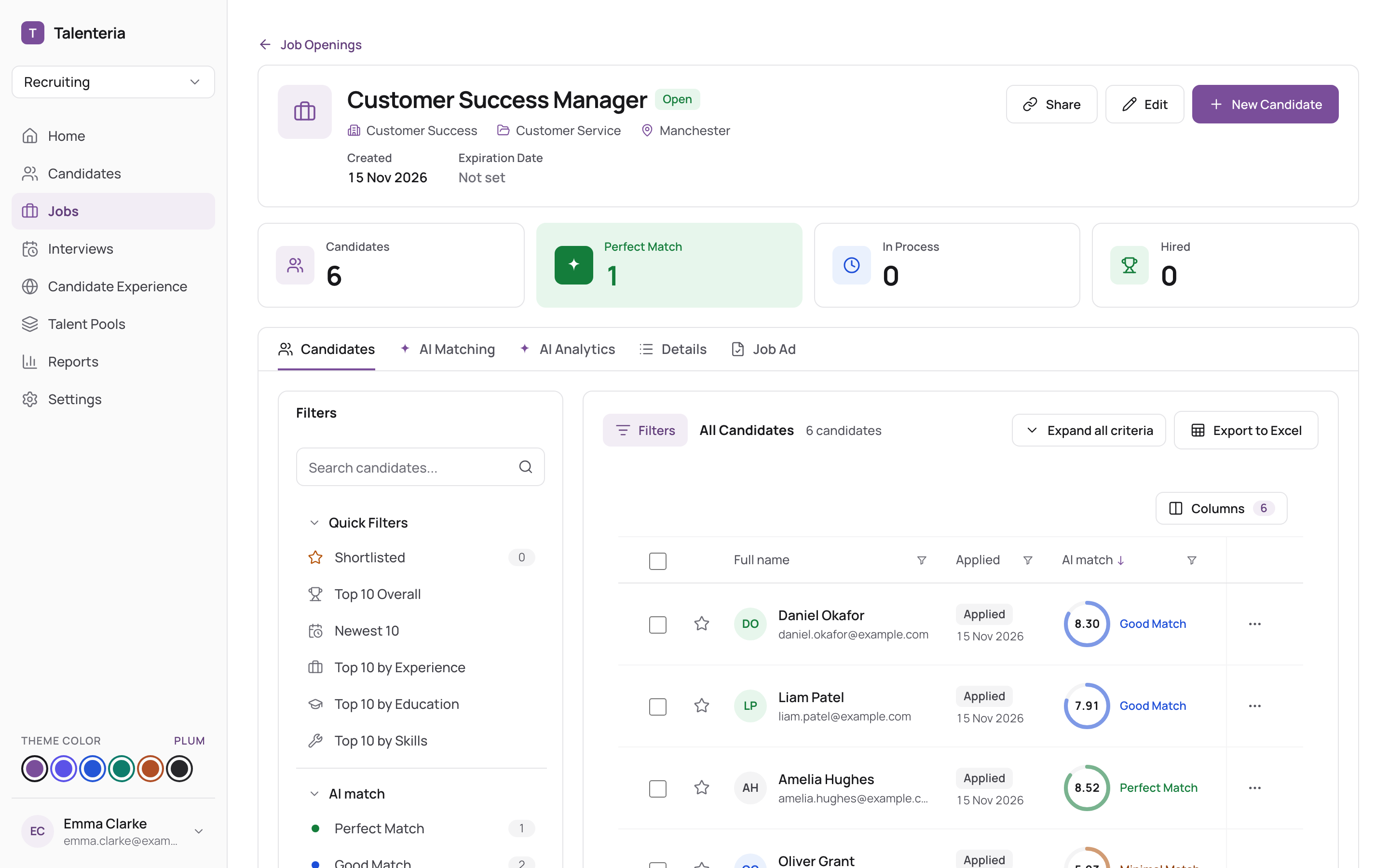
Paste the link anywhere: an email, a post, your own website. On the job's career site page, candidates can share it on LinkedIn, Facebook and X.
Collect resumes by email
Each job has its own email address, the Job Application Inbox, on the Job Ad tab. Click Copy and give it to colleagues or agencies: resumes sent to it are added to the job.