Add company details and system settings
You need to be an Administrator. Go to Settings › System settings. Click Update in the bar at the bottom to save.
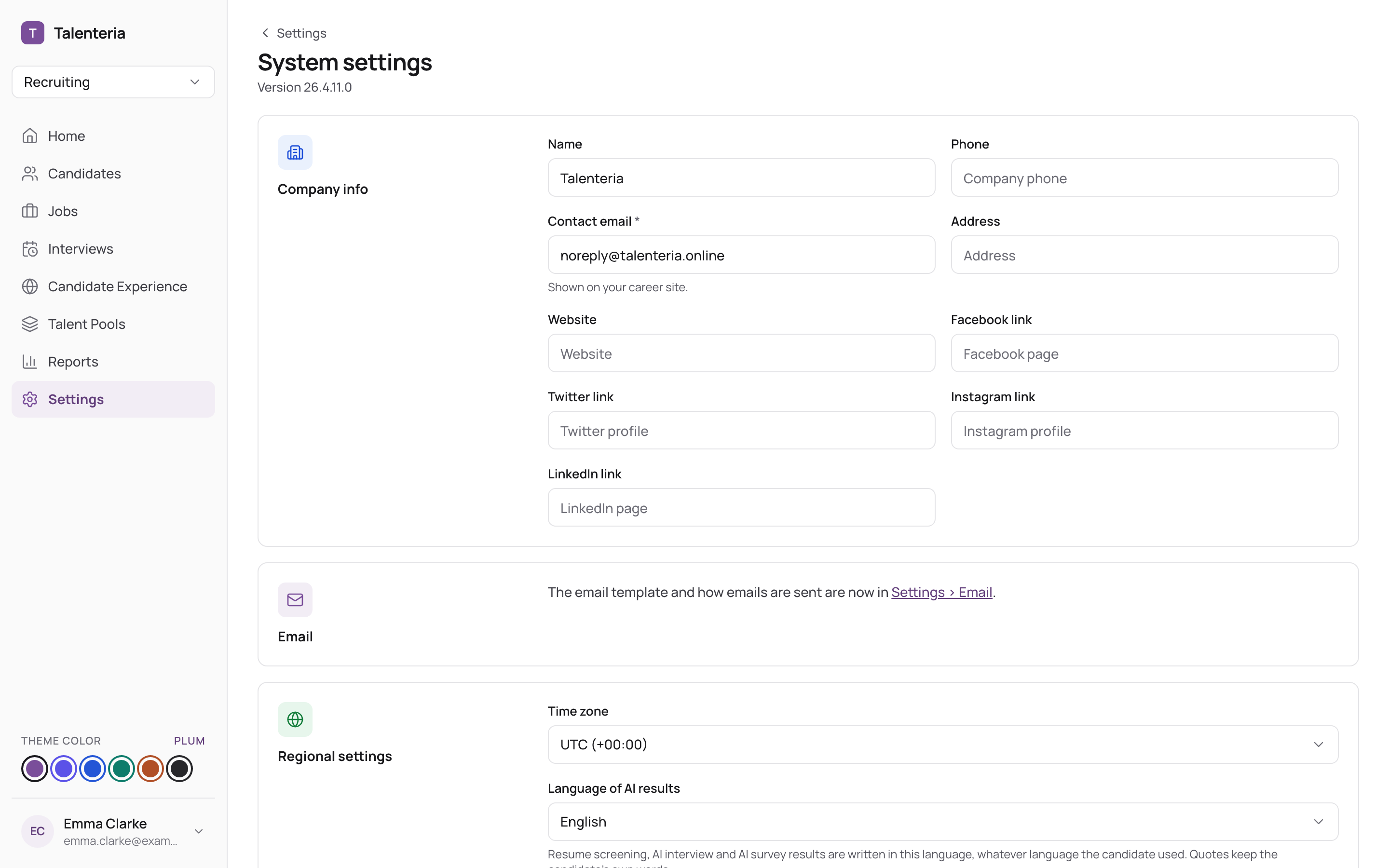
Company info
- Name, Phone, Address and Website.
- Contact email (required): shown on your career site.
- Facebook link, Twitter link, Instagram link and LinkedIn link.
These details can be used in emails and on your career site. Your logo comes from your career site; see Brand your career site.
Regional settings
- Time zone: used for dates and times across Talenteria.
- Language of AI results: the language AI writes summaries, explanations and reports in.
- Date format and Date and time format, for example
dd MMM yyyy(12 Nov 2026) orMM/dd/yyyy HH:mm.
Other settings
- Recruiters see candidates with no job or talent pool: lets Recruiters see people in your Candidate Database who aren't in any job or pool. See Users, roles and what each role can do.
- Dashboard data mode: Demo shows sample data in the Career sites report; switch to Real once Google Analytics is connected.